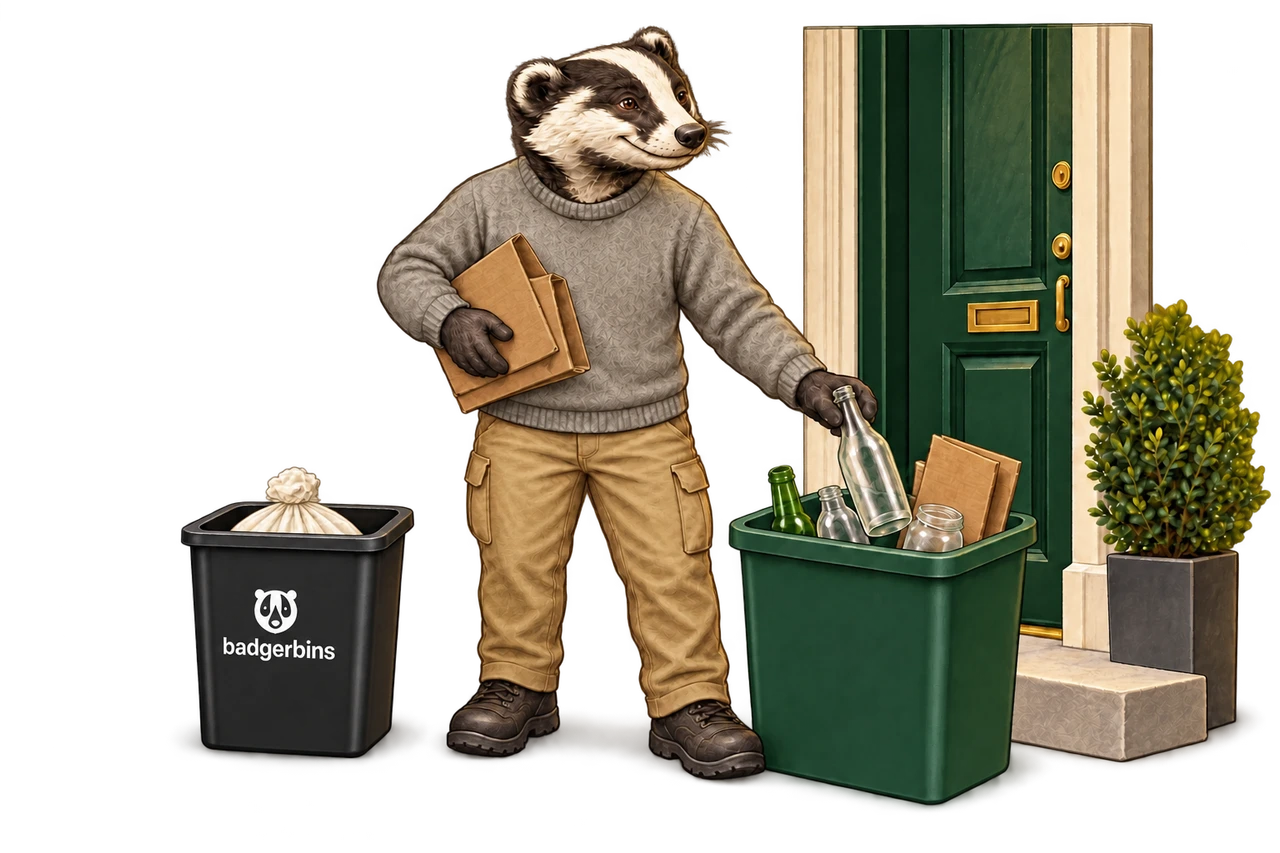
Your doorstep pickup guide.
Tie your bag. Follow your property’s schedule. Check your own unit record.
How to open my unit record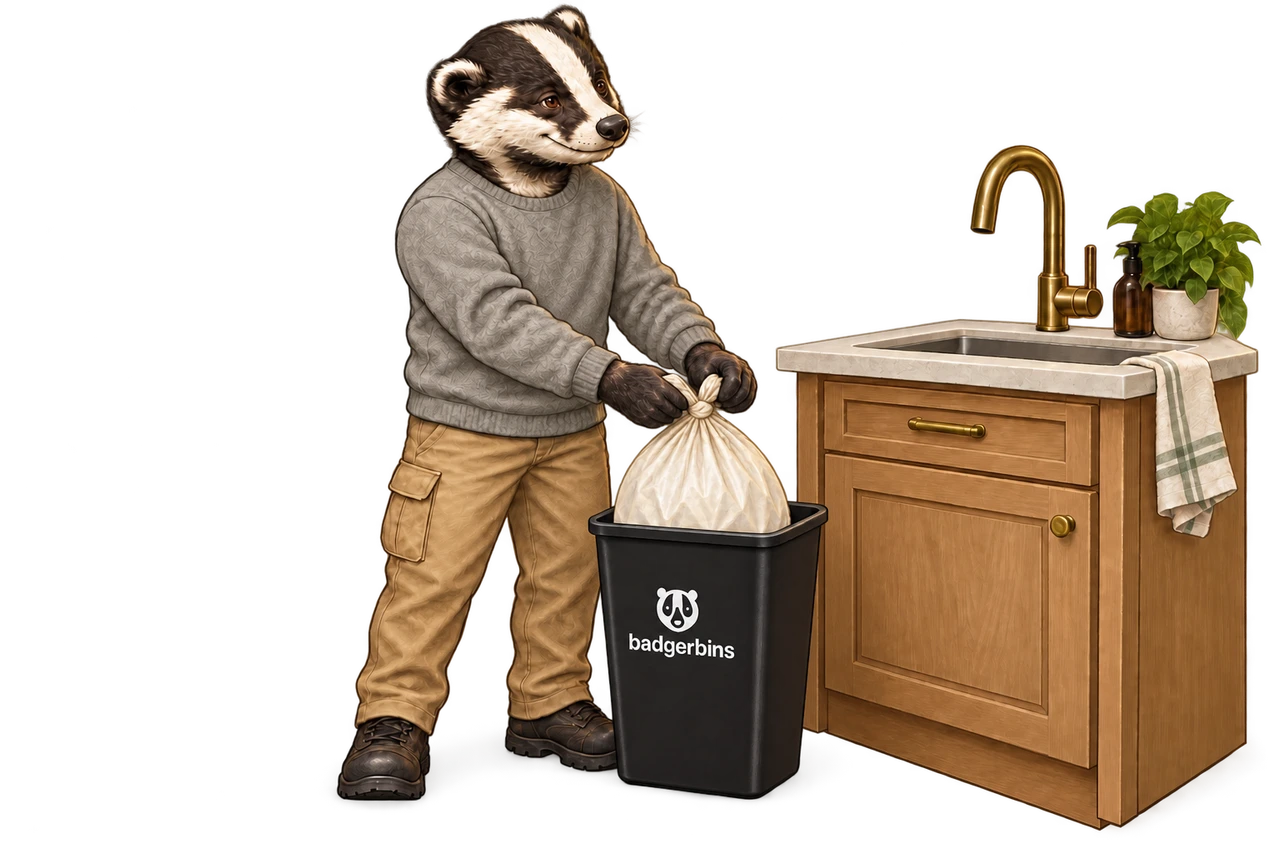
Before your scheduled collection.
Tie your bag securely inside your assigned Badger bin before your community set out window.
- Check your unit page for the days and times set by your community
- Keep hallways, stairs, and exits clear
- No loose liquids, bulky items, or hazardous waste
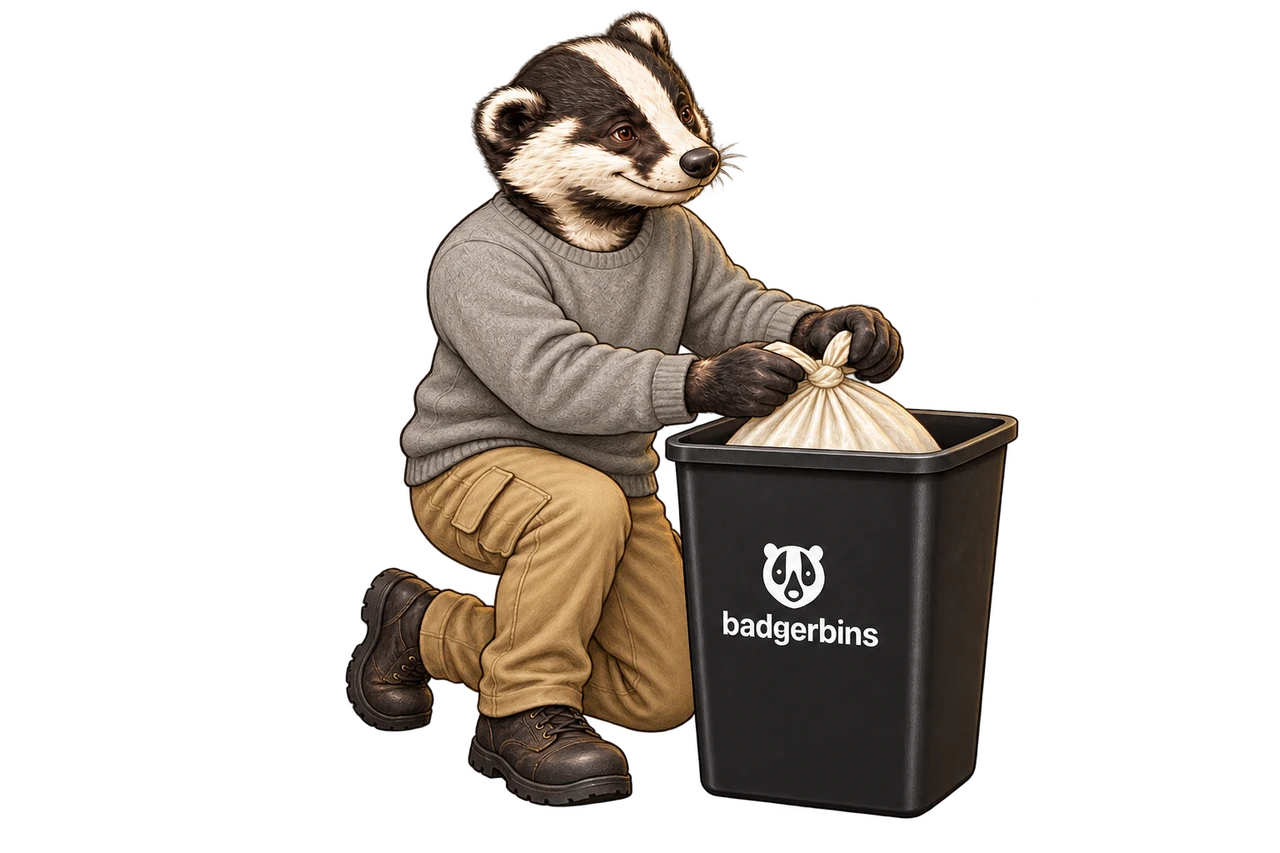
Set out on your community schedule.
Place your bin outside your door during your community’s set out window. Bring it back inside after collection.
QR links bin to your unit Recorded unit activity
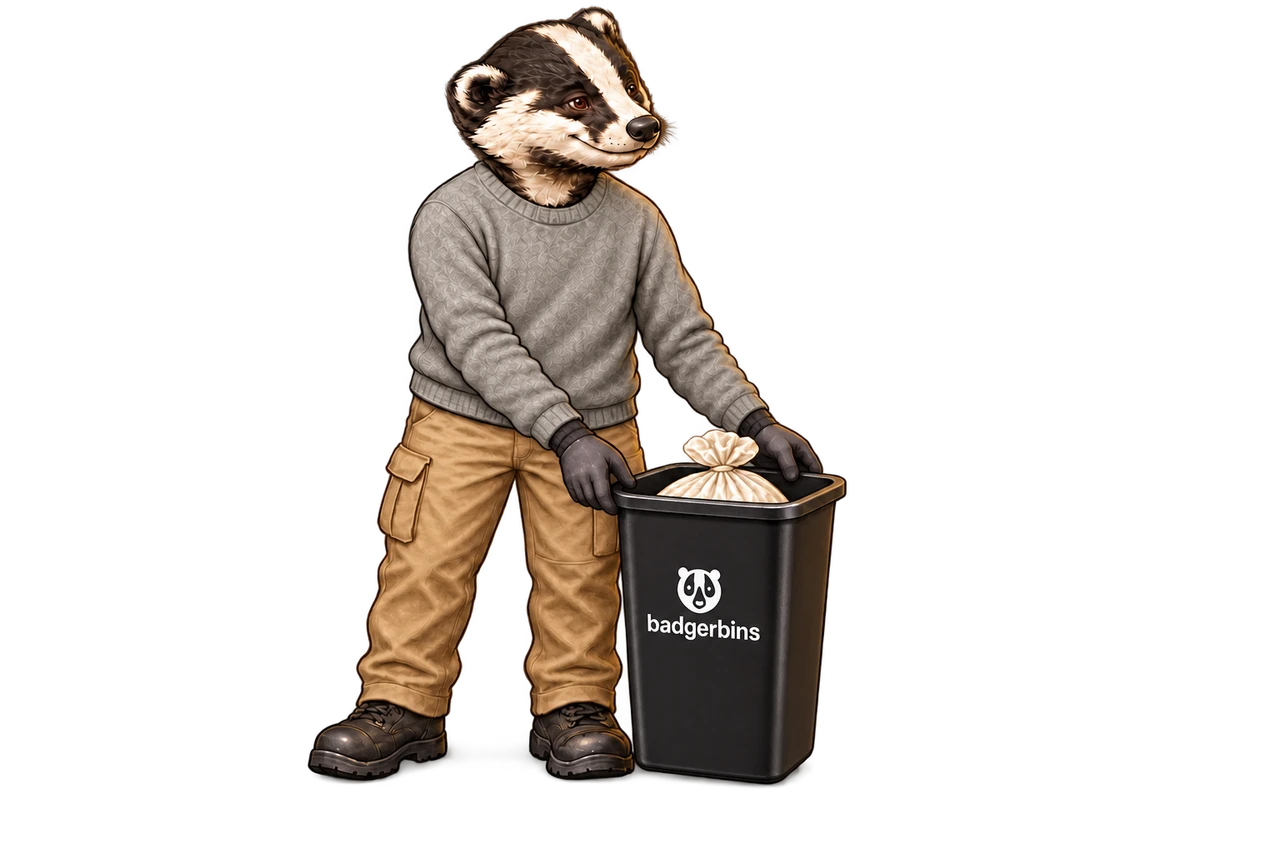
Your unit has its own record.
Scan your bin QR label to open your unit page for upcoming pickups, collection history, and issue reporting. Already connected on this browser? Open My units. Ask your property team for your unit link if you do not have the label.
- Upcoming pickup windows and recorded history
- Optional home screen app with collection alerts
- Direct missed pickup or damaged bin reporting
Recycling and supplied bags.
Where enabled by your community, keep accepted recyclables separate and manage fitted liners on your unit page.
Community recycling rules Optional monthly bag plan